

Skip the Queue: How to Download Your Digital NIN to Your Phone (2026 Guide)
Still waiting for a plastic National ID card from NIMC? You might be waiting forever. In 2026, the physical card is becoming secondary. The Digital NIN is what you need for bank verifications, SIM linkage, and international passports.
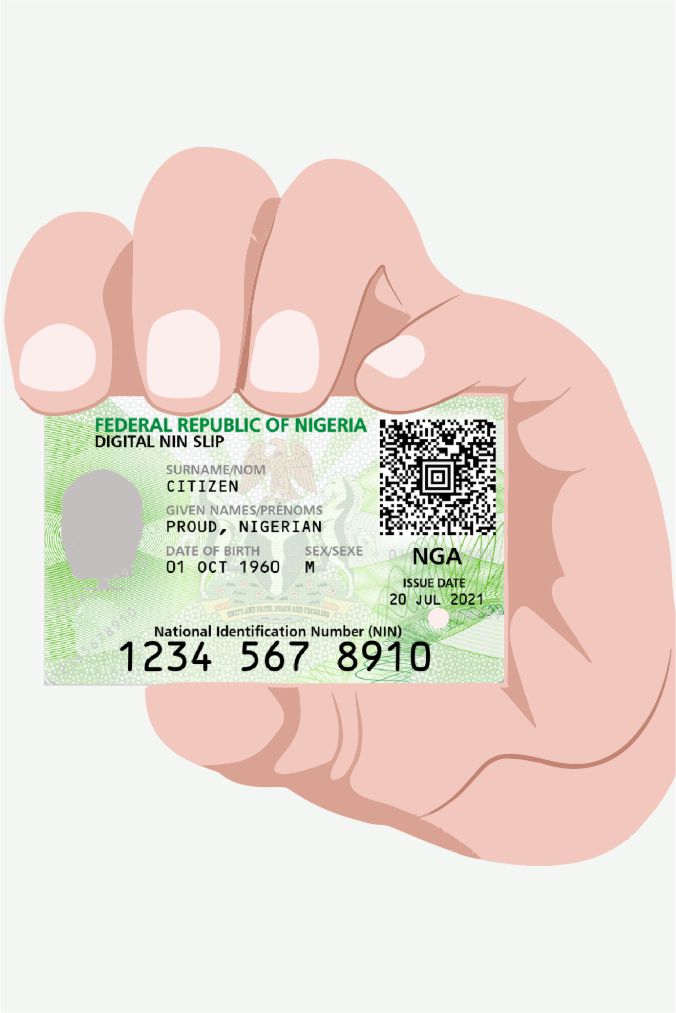
Here is the "hack" to get your official ID on your phone right now without visiting a NIMC office.
Step 1: The NIMC MWS App Download the "MWS: NIMC Personal ID" app from the Google Play Store or Apple App Store. Ensure you are downloading the official version by "National Identity Management Commission."
Step 2: Verification Enter your 11-digit NIN. You will receive an OTP on the phone number you used during your original registration.
Note: If you no longer have that SIM, you will need to visit a bank or NIMC center to update your "Phone Number for NIN."
Step 3: Generate Your Digital ID Once logged in, click on "Show My ID." The app will generate a digital version of your ID card with a QR code. This is 100% legal and accepted across Nigeria.
Pro Tip: Take a screenshot of the digital ID and save it in your "Starred" photos or a secure folder. This way, if you are at a security checkpoint or bank and have no data, you can still show your ID!
